| |
PlayCDG KJ Deluxe 64 LT
Click Here
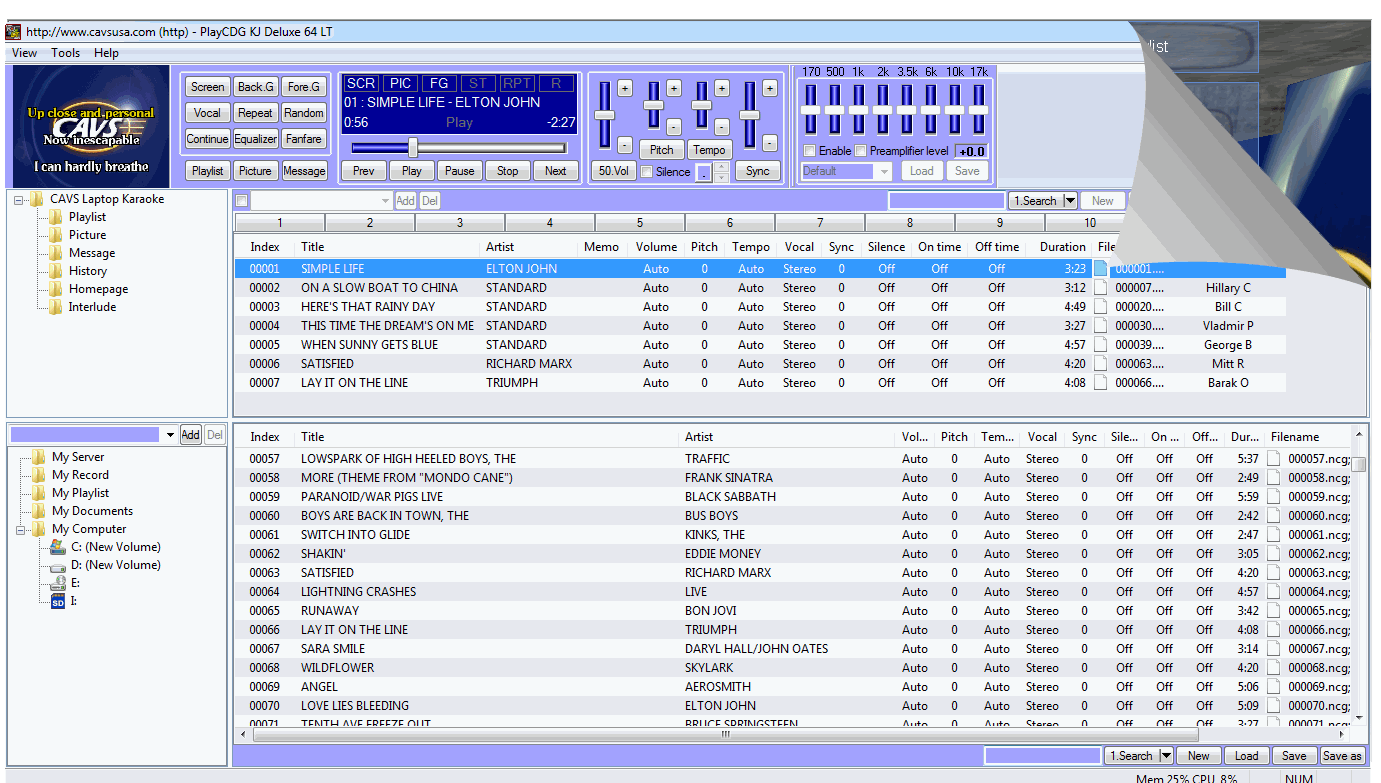
CAVS PlayCDG KJ Deluxe 64 LT
is a professional karaoke software that brings the power and
performance of digital karaoke in Windows 7 - 64bit system.
Designed exclusively for the 64bit system, the software is fast
and capable of playing all common karaoke songs including CDG, MP3+G, MCG, ZIP, AVI, WMV, Super CDG, etc. directly from
hard drives as well as discs. The program also records and writes
to blank discs, has standard dual screen feature (Control +
TV), and manages
unlimited number of playlists, file folders, picture files,
background videos, etc. The program can also display the
titles and artist of songs in all known fonts, such as English,
Russian, Spanish, Chinese, Japanese, etc. Its features are well
suited for professionals who need versatility, mobility, and power.
CAVS PlayCDG KJ Deluxe 64 LT
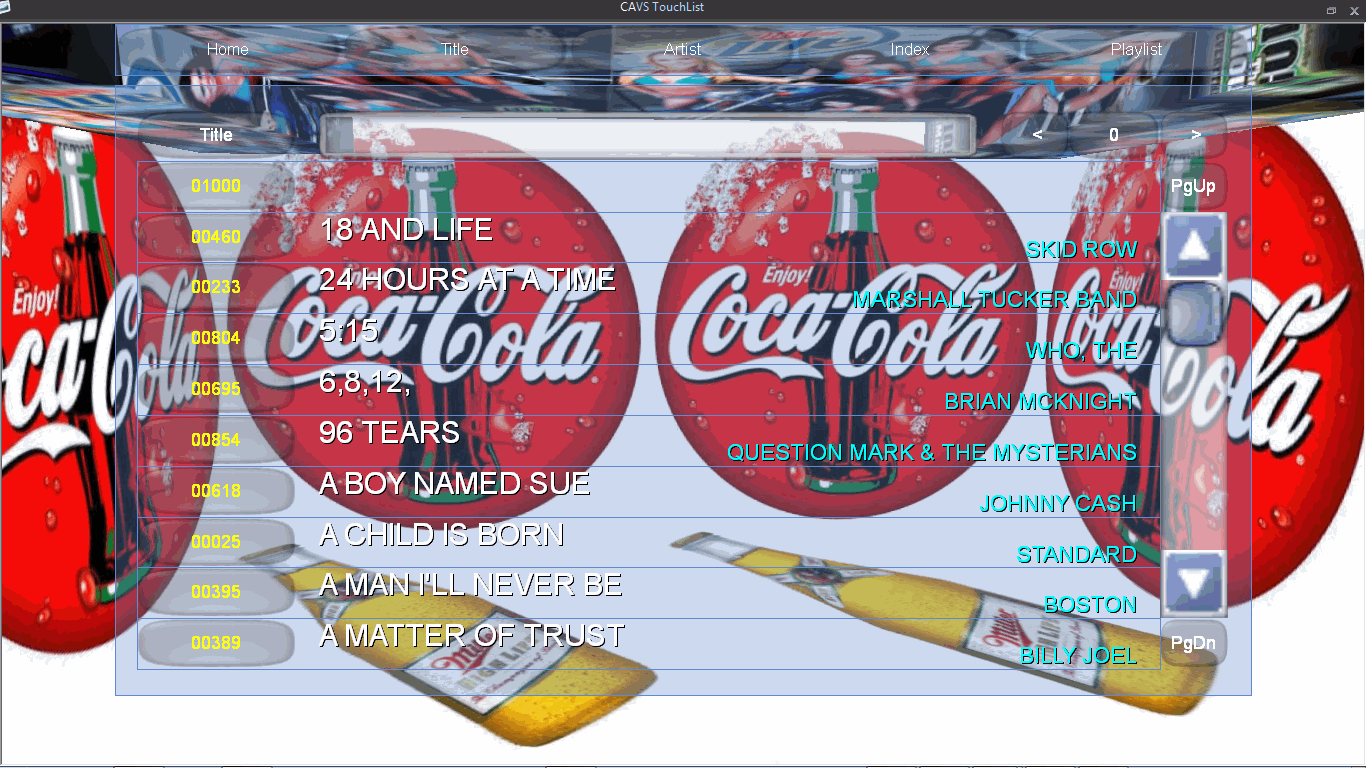
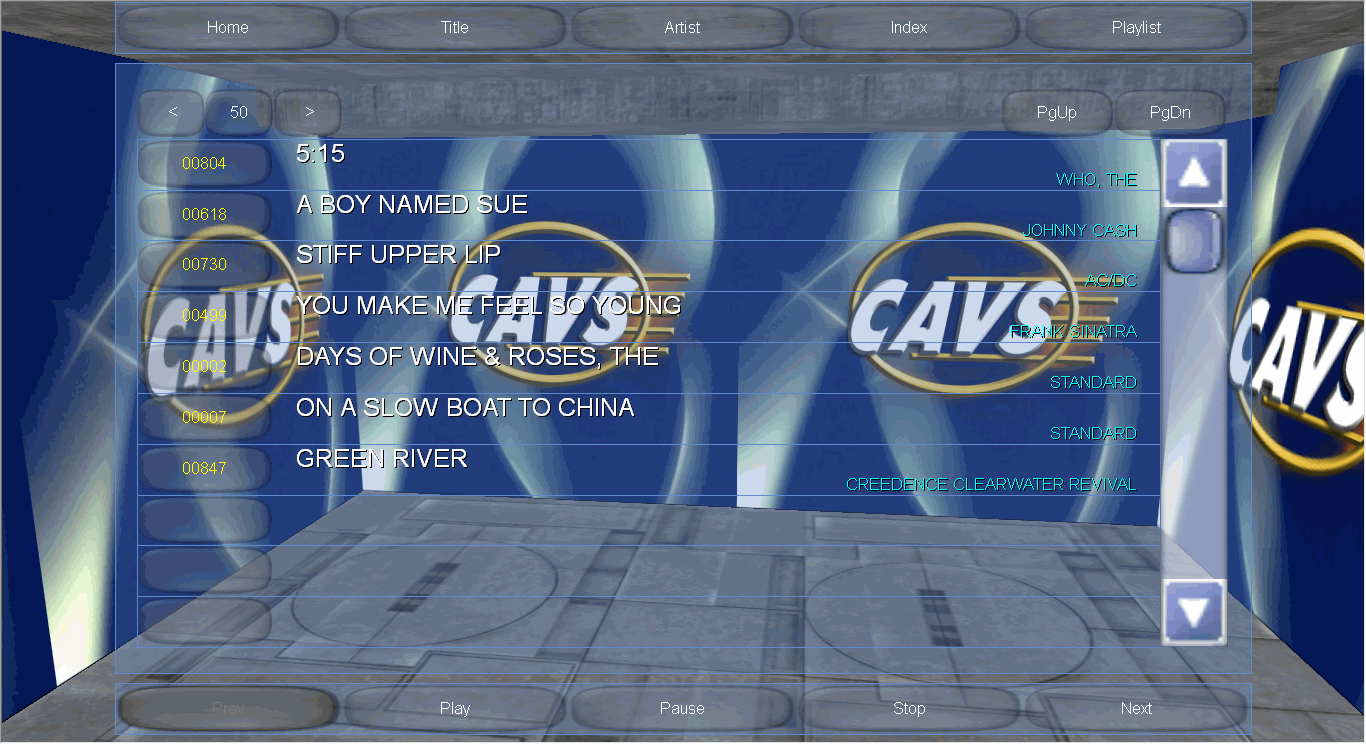
comes with a new 3D Customer Interface that can run on top
of the KJ Control Panel. This interface is simple, intuitive, and designed for
operation without a dedicated professional.
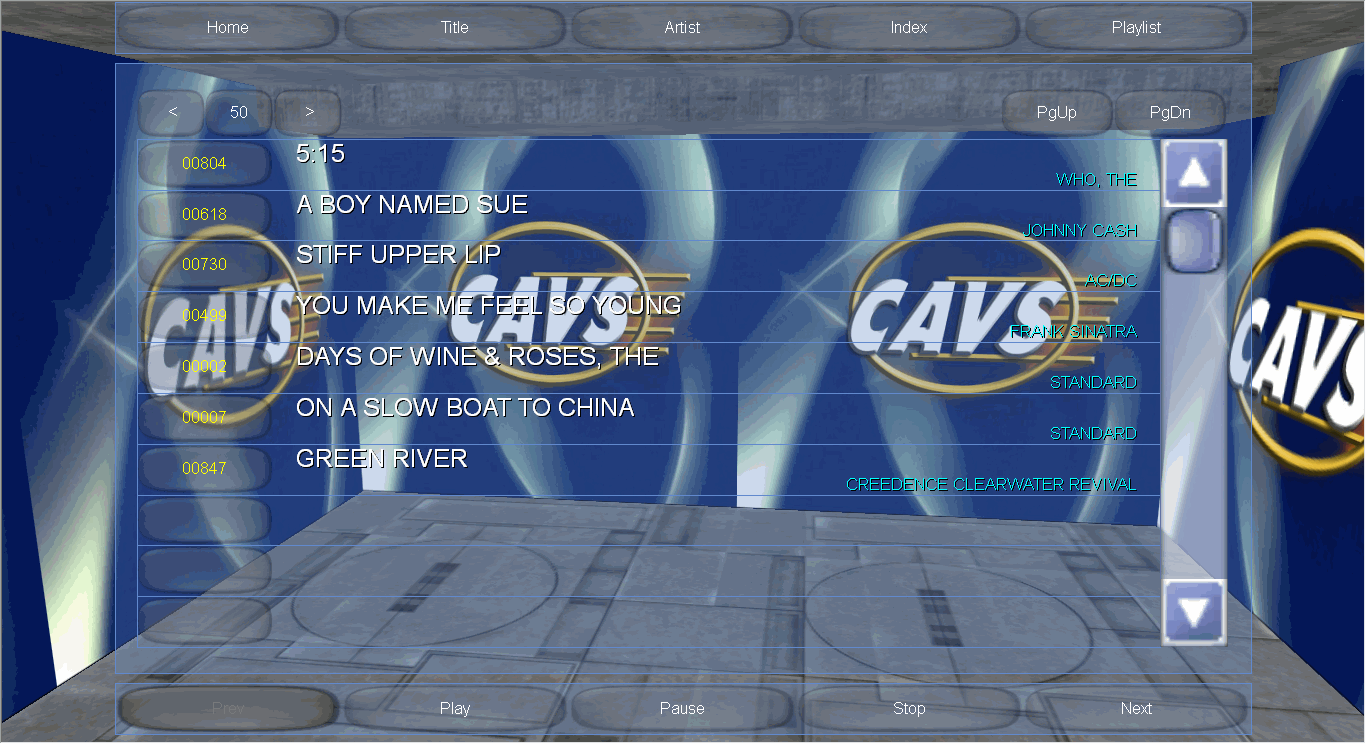
The 3D Customer Interface can also be easily
customized (example) with
various logo and design. For details on how to use the 3D
Customer Interface, please go to
the User Manual.
CAVS PlayCDG KJ Deluxe 64 LT
comes with
support for standard Touch Screen monitors (HP, Planar,
A-View, etc.) to display the KJ Control Panel or 3D Customer
Interface.
The combination of the touch screen monitor and 3D Customer Interface
is an instant hit at bars, clubs, and
restaurants. It entices customers of all ages to try the
touch screen to select a song or simply satisfy their curiosity. It also
expands your option to purchase a
laptop for your location and yet when needed, disconnect the
touch screen monitor and use the portable laptop for your road shows.
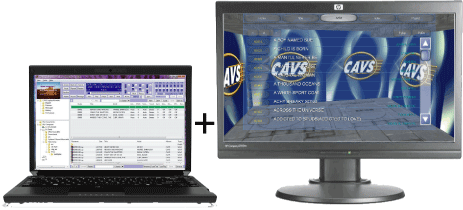
CAVS Karaoke Laptop
+ Touch Screen Monitor
CAVS PlayCDG KJ Deluxe 64 LT
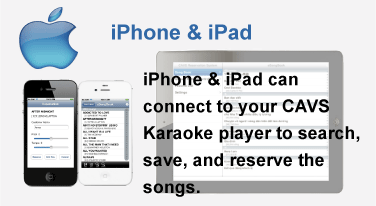
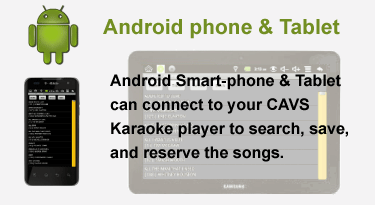
connects to your hand-held devices such as iPhone, iPad, and
Androids. It transmits the song
list to the devices wirelessly, and in turn receives the
song requests from the devices also wirelessly. The player can
connect simultaneously up to 256 such devices including the CAVS
E-Songbooks.
Imagine "No More
Paper Songbooks" and "No More Request Slips" for a
paperless karaoke night.
The devices can also create and save the Favorite Lists and show
the reserved songs in Queue.
CAVS PlayCDG KJ Deluxe 64 LT
now has a new feature Interlude that automatically plays
your choice of music in-between karaoke songs. This feature is
requested by the hosts who want to avoid the awkward silences.
Also for setting the values of key, tempo, and customer name for each
reservation, popup windows are now available for easy inputting.
This feature is optional and can be
selected in the Setting.
For those who wishes to purchase CAVS PlayCDG KJ
Deluxe 64 LT program together with a laptop or Touch Screen
All-in-one PC, please go to
CAVS Laptop Karaoke Players. In the packaged players,
CAVS PlayCDG
KJ Deluxe 64 LT program comes pre-installed and show-ready.
For those who already have a laptop or PC with
Windows 7 64bit system, you can purchase the CAVS PlayCDG
KJ Deluxe 64 LT program online and download. For help on installation,
please read the How To Instructions below or see the
instructional videos in
Youtube.
Features
- Dual Screen Karaoke - Laptop display, PC
monitor, or Touch Screen monitor will display the KJ Control
Panel which is now switchable to the 3D Customer Interface.
A separate TV screen will display the song lyrics with
coloring for sing along..
- 3D Customer Interface
- Simple and intuitive interface that can replace the KJ
Control Panel for direct customer access.
- Play CD+G, MP3+G, MCG, NCG, Super CD+G, ZIP, AVI, WMV songs from the hard drive.
- Play CD+G, Super CD+G, MP3 and CD discs from the disc drive
- Extract CD+G and Super CD+G discs into the hard drive.
- Manage simultaneously multiple Playlists 10+ 1 and Queue
- Search for songs by Index, Title, Singer, or File name.
- Support all international fonts (English, Russian, Spanish, Chinese, Japanese, etc.).
- Voice cancel, Reserve, Random, Repeat
- Message call (Automatic call for next songs, Last rounds, etc.)
- Record customer singings and write to blank discs
- Auto add customer names
- Store previous song in History for search and select
- Volume control, Pitch (Key) control, Tempo control, Sync control, Silence gap remover
- 8-Segment Equalizer with pre-settings and Preamplifier
- Easy loading of song data and song list management.
- Background Video for Lyric Display - Picture, Video, Live Camera
- Auto play background music in-between
karaoke songs
- Pop-up windows for queuing and searching
songs
- Connect up to 256
iPhones, iPads,
Androids, and
E-Songbooks for paperless
karaoke show
- Encrypt song content to prevent unauthorized copying using CAVS USB Lock Manager
 Close more details Close more details
| Encrypt the song content inside the CAVS Karaoke player using CAVS Lock Manager program.
It comes with a USB Key Lock to protect the song
contents from unauthorized copying and
exporting out of the player. 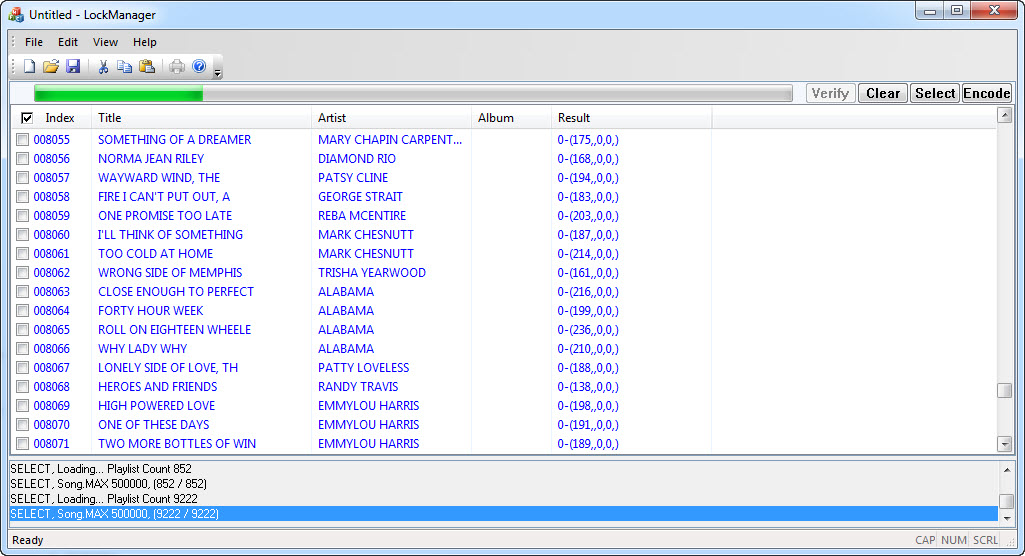
Select any Playlist inside the
CAVS Karaoke player and press Encode. All
songs listed within the Playlist will be
encrypted for protection. You may encrypt
all or a part of the song content. USB Key Lock is
sold separately. |
User Manual
PlayCDG KJ Deluxe 64 LT User Manual (Web Manual)
Download PlayCDG KJ Deluxe 64 LT User Manual (PDF)
Computer Requirement
- Windows 7 Home Premium 64bit or higher
- Graphic card: Intel, Nvidia, ATI, GeForce,
Radeon with second video out (DVI, VGA, S-Video, Composite)
for dual screen display
- DVD disc drive: DVD Recordable disc drive
- Intel Pentium 4 2.4G or higher
- Minimum 1Gb RAM
- Microsoft DirectX Feb2010 Version or higher (download)
- Ffdshow Ver3466 2010.5.31 x64 (download)
Demo Version
- Before purchasing PlayCDG KJ Deluxe 64 LT
program, please download the demo version for free of charge
from the following link.
PlayCDG KJ Deluxe 64 LT Demo Version
-How to install PlayCDG KJ Deluxe 64 LT Demo
- Select Save to save the file in your computer (for example, in the Desktop).
- When the download in completed, select Close.
- Go to the folder in which the download file is saved (for example, in the Desktop). Right click on the downloaded file “PlayCDGKJDeluxe64LT_demo.zip” and select Extract Here.
- After the extracting, you will see a setup file (among others) in the same folder. Double click (left clicks) on the setup file
to begin the installation. Follow the instruction given to complete the installation.
- Start the program and it will come up as a demo version. Please make sure that this demo version works properly in your laptop or
PC.
Additional Installations
- Your laptop or PC may need to install the following programs for the proper running of PlayCDG KJ Deluxe 64 LT Demo program.
Microsoft DirectX (Feb 2010 or later)
Ffdshow Ver3466 2010.5.31 x64 (This particular version is needed)
How to Instructions
- Please refer to the following video instructions on proper installation of PlayCDG KJ Deluxe 64 LT.
-How to install PlayCDG KJ Deluxe 64 LT Demo
-How to encode the CD+G Disc
-How to Transfer the Songs from Super CD+G disc
-How to Transfer the Songs from the JB-199 player
-How to work with Playlist
- Please refer to the following graphic instructions on proper workings of PlayCDG KJ Deluxe 64 LT.
- How to extract Super CD+G disc contents to a hard drive
- How to add the song library of 203G USB external drive to CAVS Karaoke Laptop players or PlayCDG KJ Deluxe 64LT
- How to play CD+G disc in PlayCDG KJ Deluxe 64 LT
- How to play Super CD+G disc in PlayCDG KJ Deluxe 64 LT
- How to extract a CD+G disc in PlayCDG KJ Deluxe 64 LT
- How to extract a Super CD+G disc into a hard drive
- How to Convert Laser Disc to WMV files using Video Capture
Note: All sales of software products are
final without refund. We recommend that before purchasing
the full version you download a Free Demo Version of PlayCDG
KJ Deluxe 64 LT for your trial

|